
IT Security Agent
IT Security teams are the backbone of any successful enterprise. They spend considerable time ensuring that employees have the resources they need to do great work. Much of this work involves answering user questions using internal documentation, running IT automations to perform password resets,access grants,etc., and creating Jira tickets to track issues and deflection. This tutorial will walk you through how to build an Agent that can do all of these things automatically for users.
Our Ask IT Agent is going to be able to do 3 things
- Call internal tooling to run automations
- Answer complex questions using enterprise knowledge
- Track user requests in Jira
We are going to use a combination of data sources, prompting, and actions to accomplish this. If you are a beginner or want a refresher on Agent building, see Setting Up An Agent first.
Tutorial Path
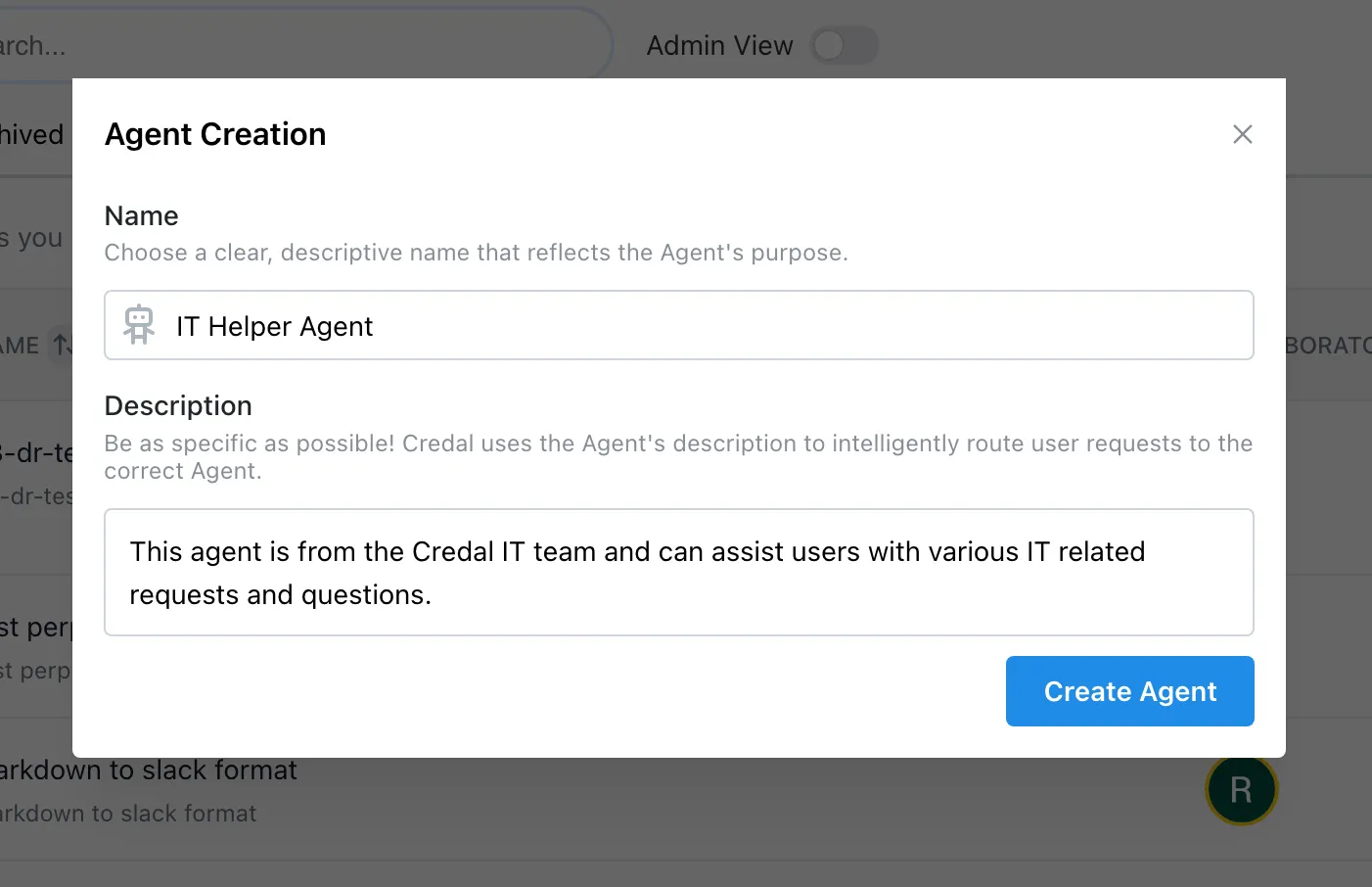
We can start by creating the Agent and giving it a name and description. Begin with Answer Questions with Data.