
Memory and Feedback
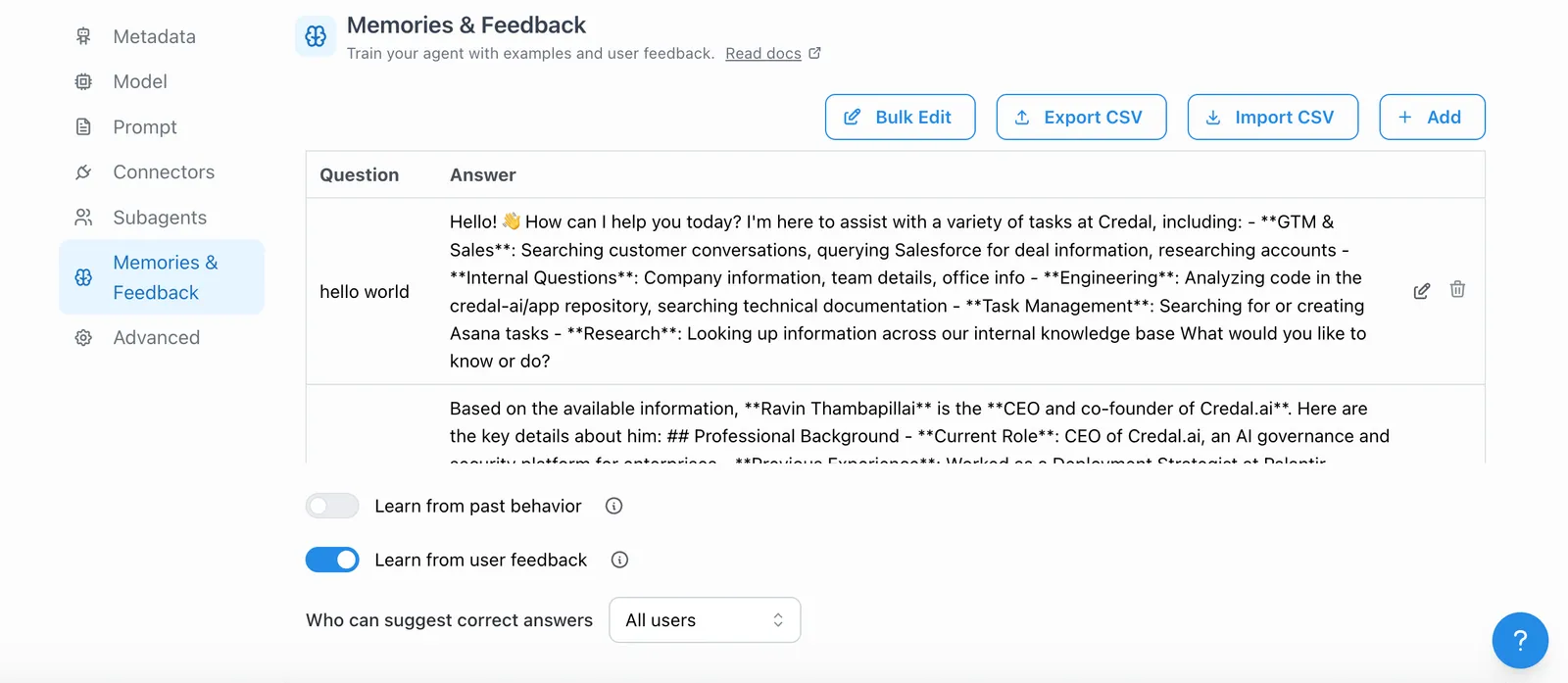
You may have noticed that users have the option to “👍” or “👎” responses from a agent. This feature allows users to give feedback on whether an answer is helpful or not. Agents use this feedback to deepen their learning and improve responses in the future. The more this feature is used, the better the agent will be at understanding and delivering effective responses.
In the “Configure” tab, you can choose to “fetch examples with positive feedback from historical agent usage” to populate the model Q&A section. Once enabled, your agent will learn from these examples and reference them when answering future, similar questions.
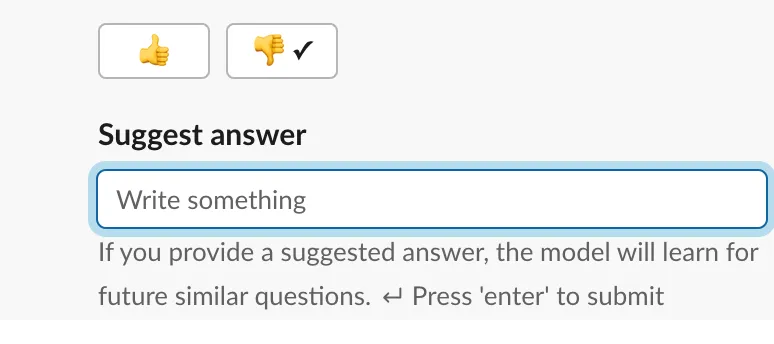
If you have published your agent to Slack, when you “👎” a response, you will have the option to add a suggested answer. Your agent will learn from this answer, enabling it to better respond to future similar queries.