
Create a new Server
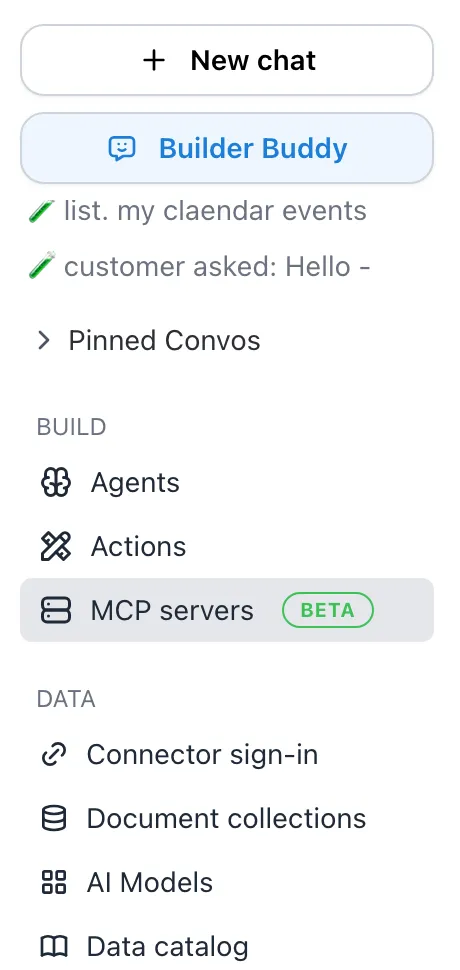
Navigate to MCP Servers
To create a new MCP server, navigate to the MCP Servers tab in the left sidebar.
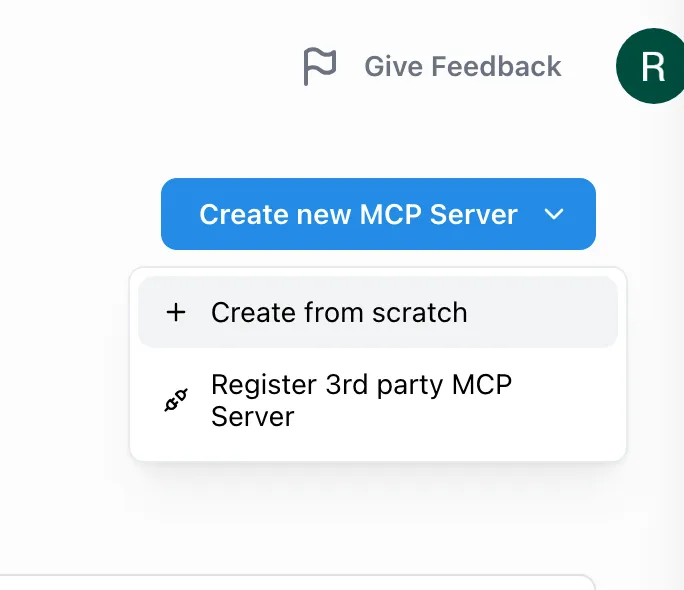
Create New MCP Server
Click the Create New MCP Server button, then select Create from Scratch.
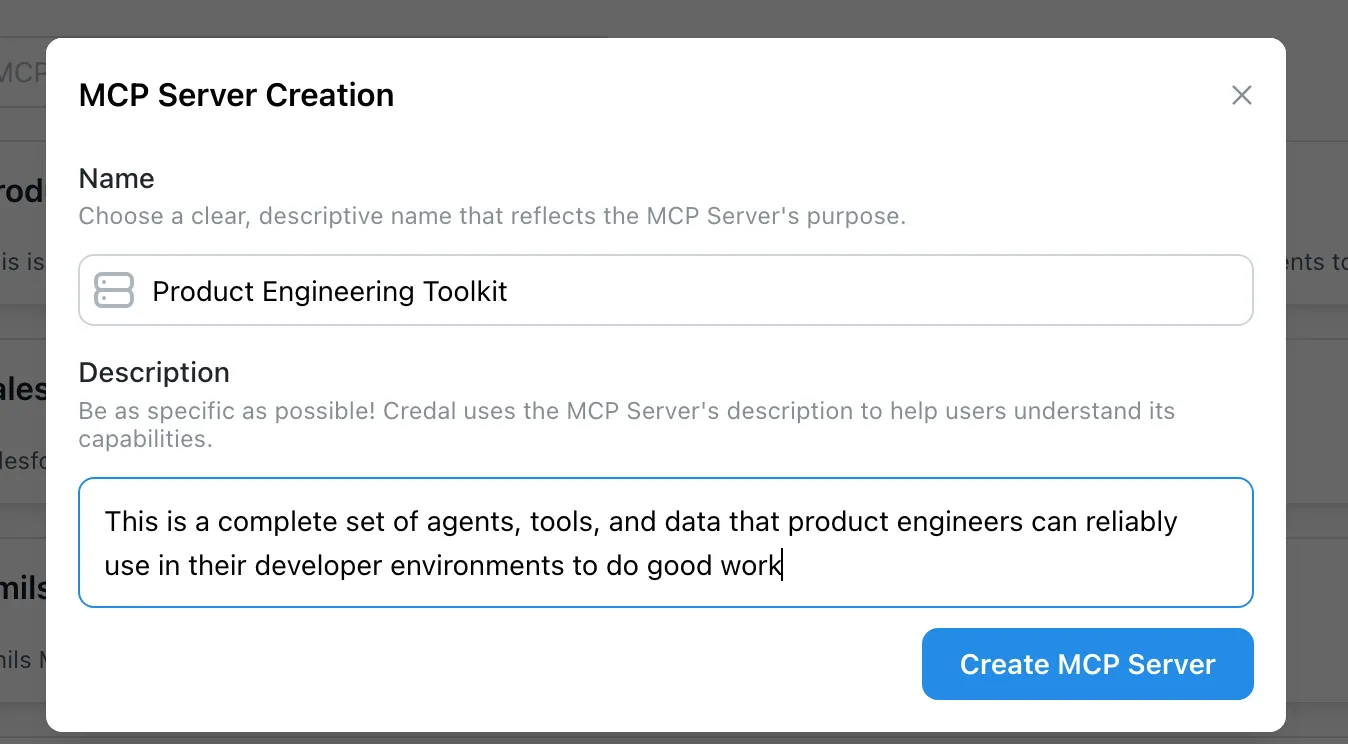
Configure Server Details
Give your server a descriptive name and description that makes its purpose clear to the people who will use it.
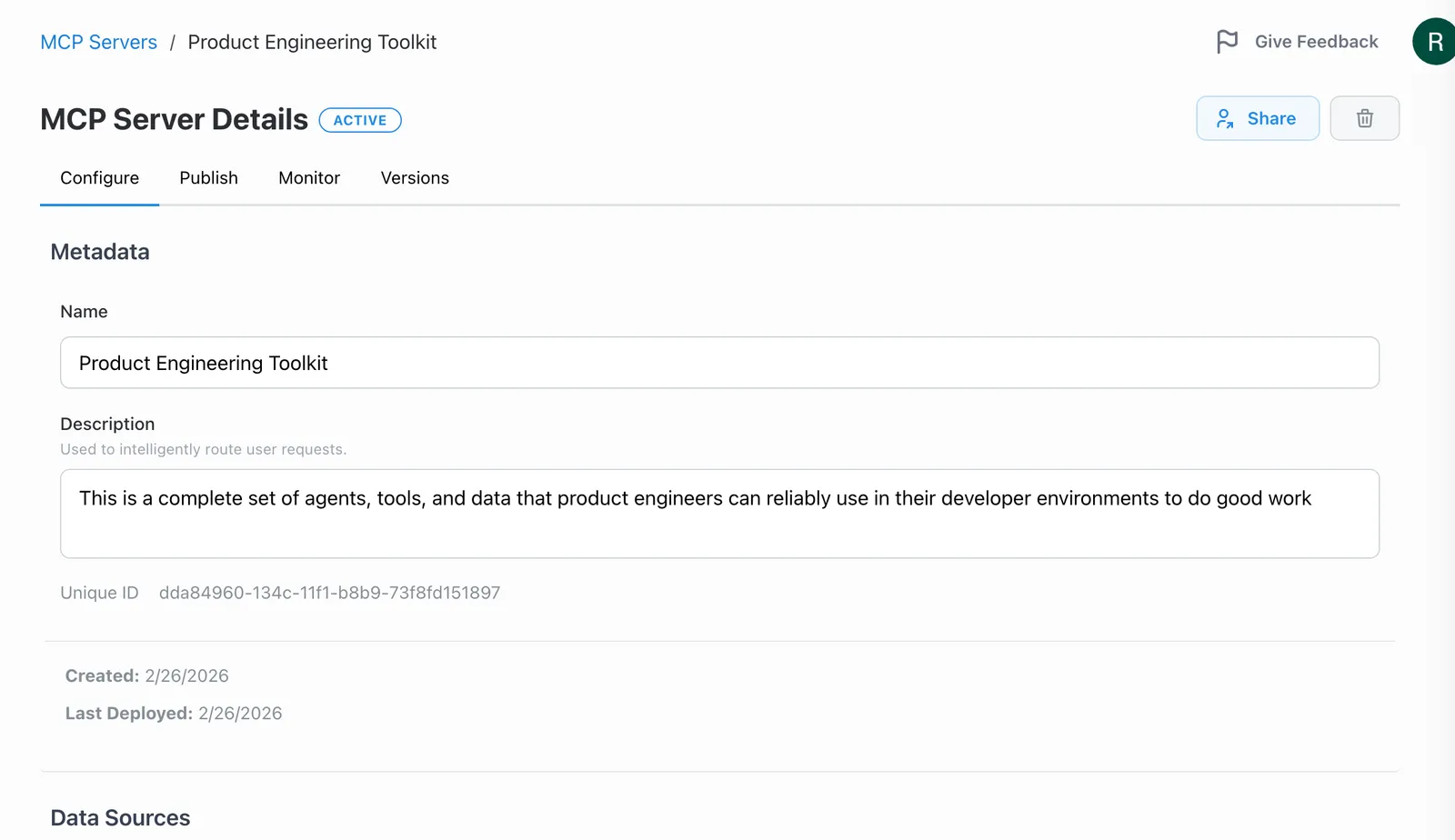
Server Configuration Page
Once you hit Create, you will be redirected to the server’s configuration page where you can begin adding data, tools, and agents.