

AI Model
1. Model Selection
Choose the foundation AI model your agent should use. You can easily change models for your agent whenever you want. Credal supports models from OpenAI, Anthropic, Google, and Cerebras. Compare available models, including measured speed from real-world use, on Credal’s Models page.
Your organization or cloud environment may limit which providers or models are available. Reach out to your administrator or support@credal.ai for help.
Use the Preview tab to compare responses before publishing. For side-by-side tests across model configurations, see Agent Benchmark.
- Reasoning: Multi-step reasoning, task decomposition, and nuanced instructions.
- Domain fit: Strengths vary across coding, writing, analysis, research, and images.
- Context window: Larger windows handle more prompts, files, data, and conversation history.
- Tool calling: Selecting tools, formatting requests, making parallel calls, and handling responses.
- Speed & cost: Balance latency, quality, and budget.
Cerebras runs popular open-source models on custom hardware built for speed, making it useful for customer-facing agents, real-time workflows, and other latency-sensitive use cases.
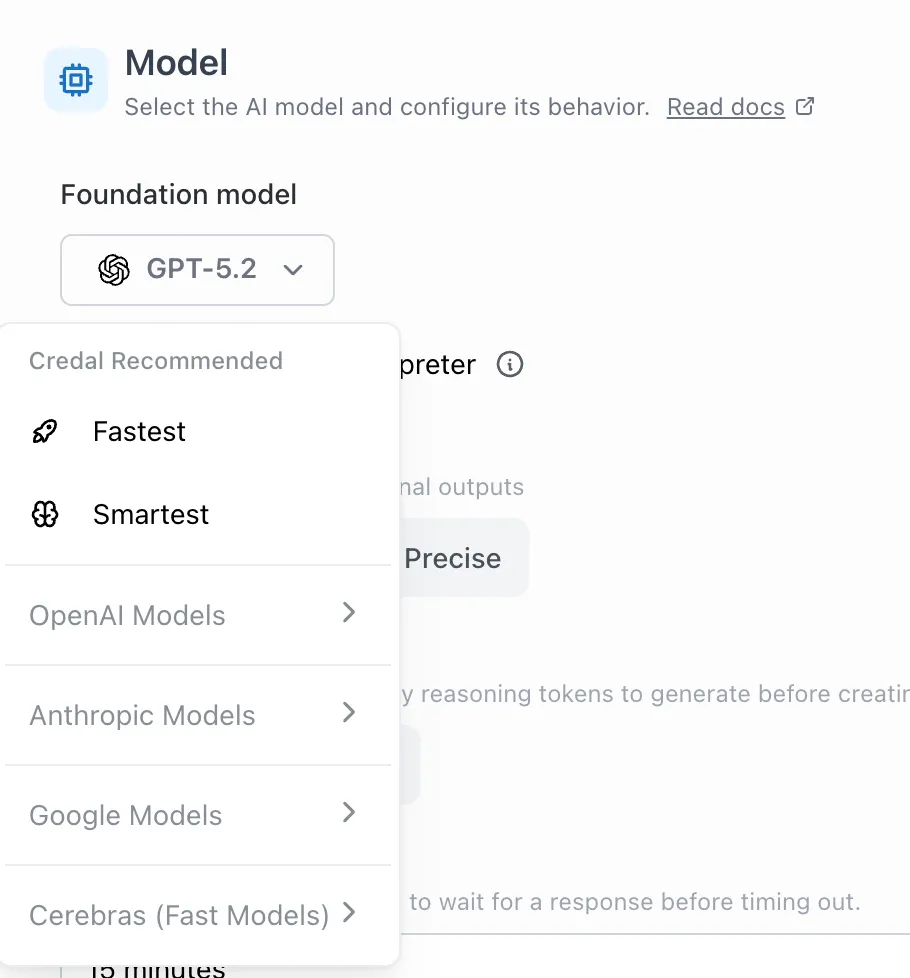
If your selected model is deprecated or unavailable, your agent falls back to the current default model for new agents. Review model selections periodically to avoid surprises.
If a model is down or overloaded, Credal can fail over to another model. Check Audit Logs to confirm the model and cloud infrastructure used for each request.
2. Creativity
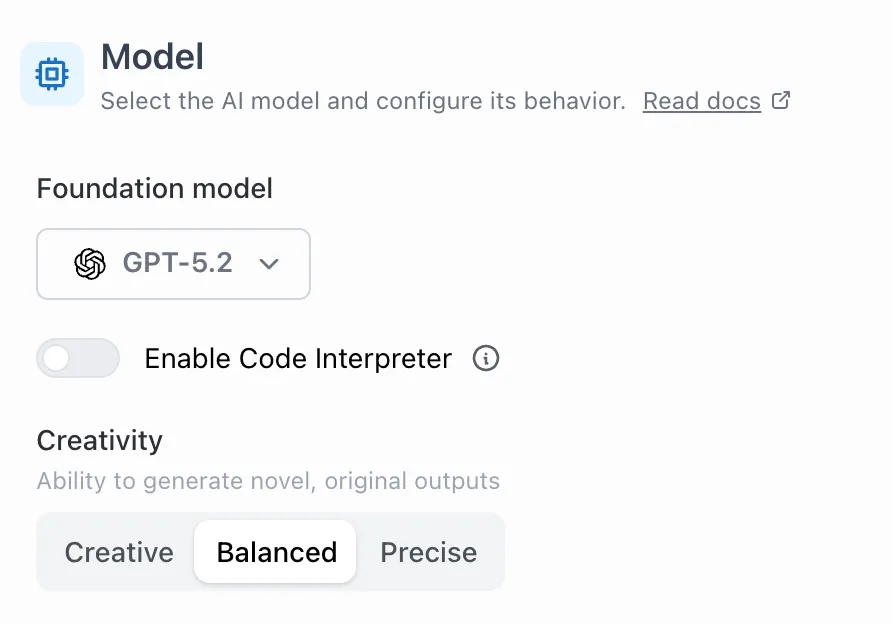
Set how creative your agent should be. For most use cases, use “precise” or “balanced”.
- Higher creativity → Better for brainstorming, marketing, and creative writing; more likely to produce unexpected responses.
- Higher precision → Better for analysis, research, and accuracy-sensitive work; more likely to stick to provided context.
3. Code Interpreter
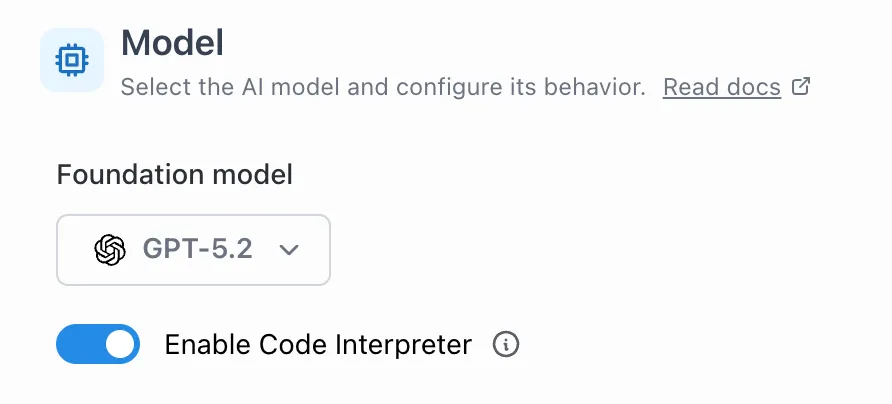
Code Interpreter (Advanced Data Analysis) runs Python inline to:
- Analyze structured datasets (CSV, JSON, etc.)
- Create charts and visualizations
Note: Code Interpreter is only available when using OpenAI models.
Enable
Example Workflow
- Upload a CSV
- Ask for a quick summary (row count, columns, nulls)
- Generate a chart and export cleaned data
Usage
- Run it on attached documents
- Run it on supported action results, such as a Snowflake query